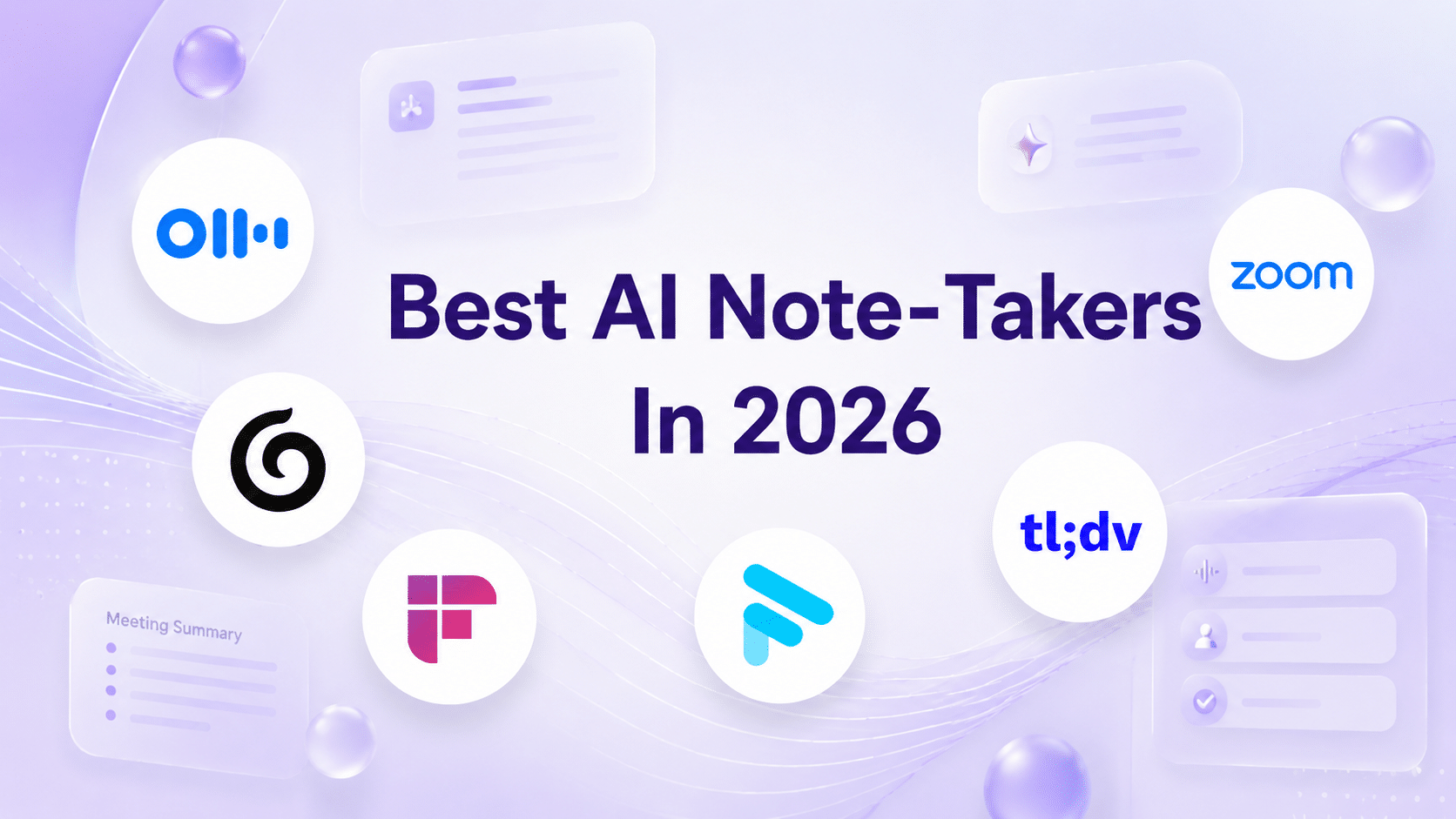
The best AI note takers for executives in 2026, tested by the DonnaPro team. Why Fathom is our pick, how the rest compare, and the one thing none of them do
Written byFilip PesekFounder and Chief Executive Officer
PublishedJul 16, 2026
UpdatedJul 16, 2026
For most executives in 2026, Fathom (opens in a new tab) is the best AI note taker – and it is the one we use and recommend at DonnaPro, because in our own day-to-day testing it produces the cleanest transcripts and the most usable summaries with the least editing. Granola is the pick if you want notes without a meeting bot, Otter.ai is the established all-rounder, and Fireflies.ai and tl;dv suit teams and sales workflows. But every one of them shares the same limit: a transcript is a record, not an outcome. The tool captures the meeting – it does not chase the three people who owe you an answer afterwards. That part still needs a human.
If you run a company, meetings eat your calendar – a landmark study of 27 CEOs found they spend around 72% of their working time in meetings, averaging 37 a week (Harvard Business Review, 2018 (opens in a new tab)). Trying to listen, contribute, and capture accurate notes at the same time is a losing game. This is the single clearest win in the entire AI productivity stack, which is why “ai note taker” is now one of the highest-volume AI-tool searches there is.
This is not a roundup written from the outside. The DonnaPro team – and the executive assistants supporting our clients – run AI note takers in hundreds of meetings every month, so the comparison below is based on real use, not spec sheets. Here is what actually works for executives in 2026, which one we reach for first, and the honest limitation none of them solve.
Why Executives Need an AI Note Taker
An AI note taker joins your calls (or listens locally), transcribes everything, and produces a structured summary with decisions and action items – usually before you have left the room. For an executive, three things change:
You are fully present. No splitting attention between listening and scribbling. You participate; the tool records.
Nothing is lost. Every decision, number, and commitment is captured accurately, searchable later.
Follow-ups are drafted for you. Action items are extracted automatically, ready to be assigned.
If you adopt one tool from the wider AI-for-founders stack, make it this one. It is the highest return for the least setup.
Which One We Use at DonnaPro (And Why It’s Fathom)
We do not recommend Fathom from the outside – we use it every day. Across DonnaPro, the executive assistants supporting our clients run AI note takers in hundreds of meetings a month, and after testing the field extensively, Fathom (opens in a new tab) is the tool we standardised on.
The reason is simple: in our hands, it produces the best output. The transcripts are the most accurate, the speaker attribution is the most reliable, and – the part that matters most – the summaries and action items need the least cleaning up before an assistant can turn them into real follow-up. A note taker’s job is not to record; it is to hand you something you can act on immediately, and Fathom does that more consistently than anything else we have run.
Other tools are genuinely excellent at specific things – Granola for bot-free notes, Fireflies for CRM-heavy teams – and we cover them fairly below. But for the everyday job of capturing a meeting and producing usable output, Fathom has been the most dependable across our team. That is why it is the tool we reach for first and the one we recommend to the founders we work with. If you try one tool from this guide, start with Fathom (opens in a new tab).
What to Look For
Not all note takers suit an executive’s workflow. The criteria that actually matter, and the ones we weigh when choosing tools for our clients:
Summary quality. Raw transcripts are noise. The value is in a tight, accurate summary with clear decisions and actions – this is where Fathom has stood out for us.
Bot-free option. Some tools join as a visible “bot” participant; others (like Granola) listen from your device without announcing themselves – which matters for sensitive or external meetings.
Platform fit. Does it work across Zoom, Teams, Google Meet, and in-person, or only inside one?
Privacy and data handling. Where do recordings live, and who can access them? Non-negotiable for confidential conversations.
Workflow integration. Does it push actions into the tools you already use (CRM, task manager, email)?
Most executives who want the best output with the least editing
Cleanest transcripts and most usable summaries in our testing; generous free tier
Joins as a visible bot on calls
Granola
Executives who want notes without a meeting bot
Listens from your device (no bot); editor-first, tidy notes
Desktop-centric; newer than the incumbents
Otter.ai
The established all-rounder
Mature product, live transcription, broad integrations
Summaries can be verbose; bot joins the call
Fireflies.ai
Teams and CRM-driven workflows
Deep integrations, searchable knowledge base across meetings
Best value comes at the team/paid tiers
tl;dv
Sales and customer-facing calls
Timestamped clips, highlights, CRM push
Feature set skews to revenue teams
Native (Zoom / Teams / Meet)
Single-platform organisations
Built in, no extra tool or bot, strong on privacy control
Weaker across mixed platforms and in-person meetings
The best AI note takers for executives in 2026, ranked from real use by the DonnaPro team. Tool details move quickly – always verify current features, privacy terms, and pricing directly with each provider before rolling one out.
Fathom is the tool we use and recommend. In our testing across hundreds of client meetings, it consistently delivers the cleanest transcripts and the most usable summaries – accurate, tightly structured, and ready to act on with minimal editing. It also has a genuinely useful free tier, which makes it the easiest way to start with no commitment. The one trade-off: it joins calls as a visible participant, which in practice has rarely been an issue for internal meetings. For most executives, this is where to begin.
Granola – best for bot-free notes
Granola listens from your device rather than joining as a bot, so it works in sensitive and in-person meetings without announcing itself, and its notes are clean and editable. If your priority is capturing meetings without a visible recorder in the room, Granola is the strongest option – and the tool we would reach for when a meeting is too sensitive for a bot.
Otter.ai – the established all-rounder
Otter is the mature incumbent: live transcription, broad integrations, and a track record. Summaries can run long, and like most tools it joins as a bot, but for a dependable all-round choice it remains a safe pick.
Fireflies.ai – best for teams and CRM
Fireflies shines when meetings feed a wider system – it integrates deeply and builds a searchable knowledge base across every conversation. Strongest at team and paid tiers, so it fits organisations more than solo founders.
tl;dv – best for sales and customer calls
tl;dv is built for revenue teams: timestamped highlights, clip sharing, and CRM push. If your meetings are mostly external and sales-driven, it is purpose-built for you.
Native tools (Zoom, Teams, Google Meet) – best if you live in one platform
The built-in AI companions in Zoom, Microsoft Teams, and Google Meet have improved quickly. If your whole organisation lives inside one platform, the native option means no extra tool, no third-party bot, and tighter data control. They are weaker across mixed platforms and in-person meetings.
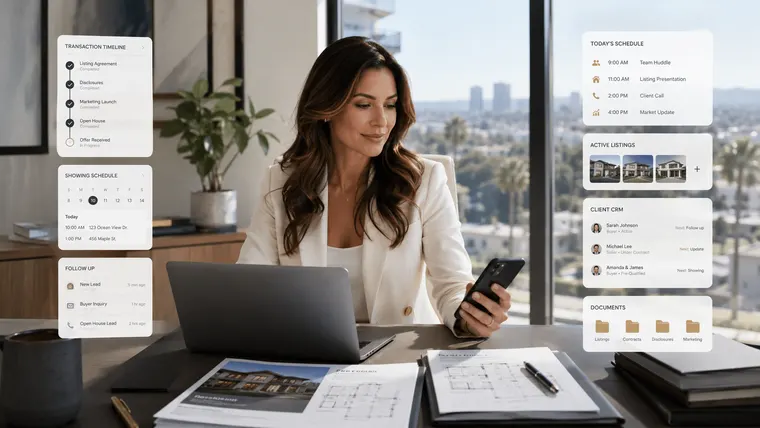
An AI note taker captures every decision and action item – so you can be present in the meeting instead of scribbling.
The Catch: Notes Are Not Outcomes
Here is the limitation no AI note taker solves – not even the one we recommend – however good the transcript gets: a record is not a result.
The summary says “Filip to send the deck by Friday, marketing to confirm budget, legal to review the contract.” That is genuinely useful. But nothing sends the deck. Nothing reminds marketing and legal of their actions. Nothing notices when Friday passes in silence, and nothing escalates. The note taker has done its job – captured the meeting perfectly – and handed you a fresh list of open loops to chase yourself.
This is the pattern across every AI productivity tool: they are brilliant at the mechanical 80% and stop exactly at the 20% that requires an owner. The transcript is the easy part. Turning it into things that actually happen – assigning, chasing, following up, escalating – is human work. (We make this case in full in will AI replace executive assistants?)
That is where a human closes the loop – and it is exactly how we work. A DonnaPro executive assistant runs the note taker (Fathom, in our case), then does the part the tool cannot: turns the action items into tracked tasks, chases everyone who owes you something, and makes sure nothing from the meeting slips. You get the perfect record and the follow-through. See how that works in our guide to the AI-trained executive assistant.
Most founders start part-time – a dedicated, AI-trained EA from €2,700 per month – to own the layer between “the meeting was captured” and “everything from it got done.”
For most executives, Fathom is the best AI note taker – it is the tool we use and recommend at DonnaPro because, in our testing across hundreds of client meetings, it produces the cleanest transcripts and the most usable summaries with the least editing, and it has a generous free tier. Granola is the best option if you want notes without a meeting bot, Otter.ai is the established all-rounder, and Fireflies.ai and tl;dv are strong for teams and sales workflows. Verify current features and pricing before rolling one out.
Why does DonnaPro recommend Fathom?⌄
Because we use it. The executive assistants supporting DonnaPro clients run AI note takers in hundreds of meetings a month, and after testing the field, Fathom gave us the best output: the most accurate transcripts, reliable speaker attribution, and summaries and action items that need the least cleaning up before they can be turned into follow-up. It is the tool we reach for first, so it is the one we recommend – though we always suggest verifying its current features and privacy terms for your own use case.
Are AI note takers accurate?⌄
Modern AI note takers transcribe with high accuracy and produce strong summaries, especially for clear audio in English. They can still misattribute speakers, struggle with heavy accents or crosstalk, and occasionally overstate or miss nuance. For anything high-stakes, a human should review the summary before it is acted on – which is one reason the tools work best paired with an assistant rather than trusted blindly.
Are AI note takers safe for confidential meetings?⌄
It depends on the tool and its data handling. Check where recordings are stored, who can access them, retention policies, and compliance (such as GDPR) before using one for sensitive conversations. Tools that listen from your own device without joining as a visible bot, and the native options inside Zoom, Teams, and Meet, generally give you tighter control. Always confirm the provider’s current privacy terms directly.
Do AI note takers replace a human assistant?⌄
No. An AI note taker captures and summarises a meeting – but it does not act on the notes. It will not assign the action items, chase the people who owe you replies, or escalate when something stalls. That follow-through is human work. The strongest setup is an AI note taker run by an executive assistant who owns the outcome, so the meeting is both perfectly recorded and fully actioned – which is exactly how we work at DonnaPro.
Filip Pesek spent more than seven years building delegation systems the hard way: through trial, error, and eventually a complete rethink of how founders should work with assistants. Before DonnaPro, he founded Spark, a marketing agency, and wrote the bestselling book Pisma za Leona. DonnaPro grew directly from the systems Filip developed for himself, and later shared with the founders and CEOs who kept asking how he managed to work the way he did. He writes about delegation, founder leverage, and building businesses that do not depend on the person at the top holding everything together.
Related Guides & Resources
Explore more guides to help you hire, work with, and get the most from your executive assistant.
Ecommerce founders drown in operations instead of growing the business. An ecommerce executive assistant owns the operational layer. What to delegate, and what it costs.